For PC and the Galaxy Tab A8
A desktop for your computer and your tablet, built to feel familiar.
Windows, a menu bar, a dock and an app store. Apps install and update without restarting the system. The PC version is in active development. The tablet version is moving to a new system of its own.
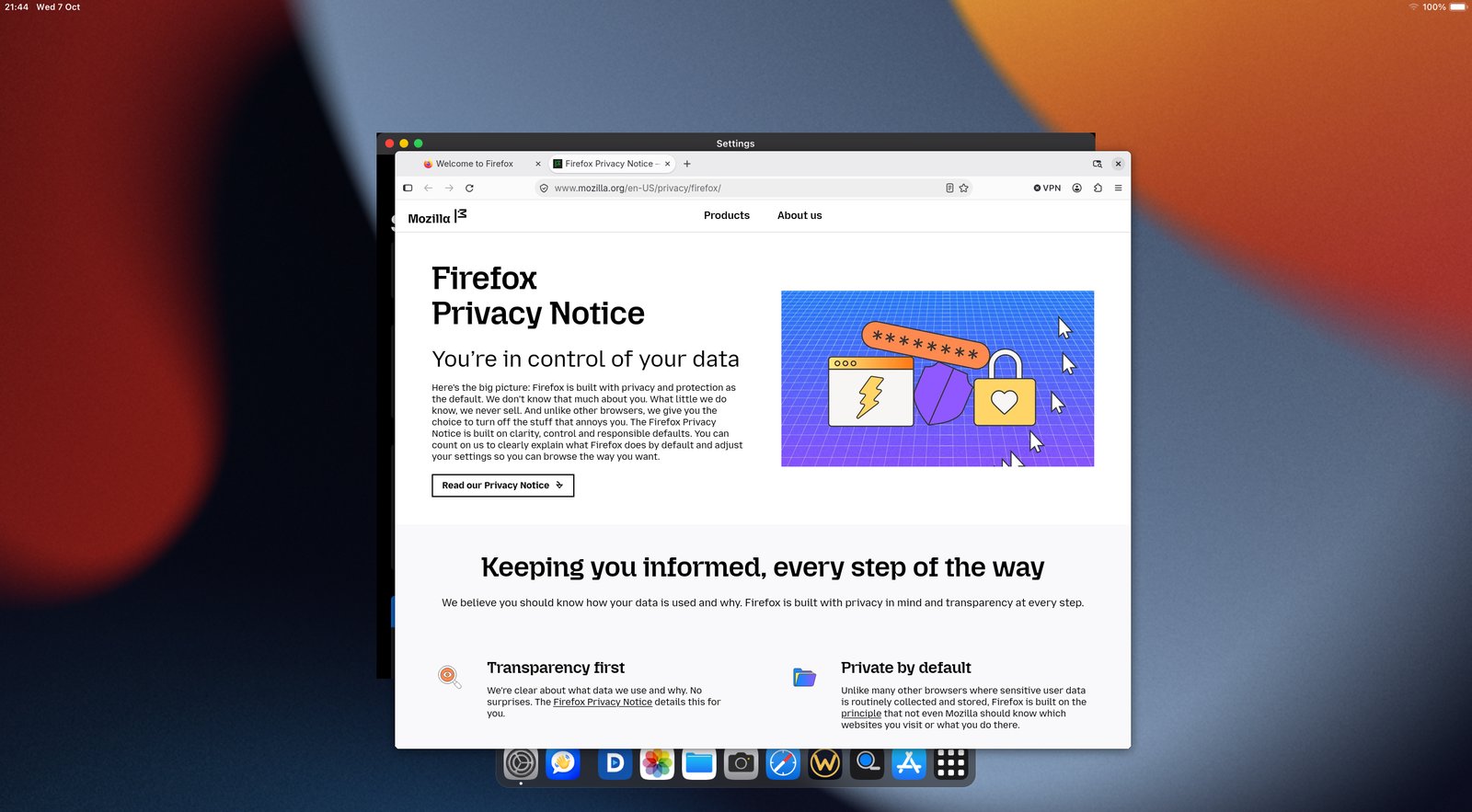
On the PC
BifrOSt runs on Arch Linux with its own desktop look. Apps come from the same store as the tablet, and each one is a separate package.
- WindowsDrag, resize and close windows the way you expect. A dock at the bottom shows what is open, and a menu bar at the top has the usual menus plus the time, network, battery and memory.
- App storeInstall and update apps from the store. Each app comes with release notes. Updating an app does not restart the desktop.
- AppsNotes, Files, Browser and Remote are ready now. Each one works with a keyboard, a mouse and windows.
- System updatesUpdates to the system itself come through Settings > Software Update. If a new version fails to start, the computer goes back to the one before it.
Status
The PC version is still in development. It has been tested on lab machines and in virtual machines. Whether it works on your computer depends on your hardware.
Start with the install guide, or look at the PC store for the apps that exist now.
On the tablet
The tablet came first. It is a Samsung Galaxy Tab A8. For now the interface runs on top of Android. The goal is to replace Android completely with a new Arch Linux system.
Tablet status
Last checked
Not ready to install. The new Arch system has only run in an emulator. It has not been put on a tablet yet. The Android version is the one you can use today.
- TodayThe interface runs on the tablet over Android. The screenshots below come from that version.
- EmulatorThe new system runs in an emulator at the tablet's screen size, and graphics acceleration works there. The tablet's own graphics chip has not been tested.
- StartupThe new system starts in the emulator and runs a basic Arch program. It does not yet start the full interface.
- KernelThe kernel for the tablet builds. Its drivers have not been tested on the real device.
- BackupsThe original boot partitions and the Android partition are backed up and checked. Restoring them and installing the new system have not been tested yet.
- Still to doGraphics, sound, Wi-Fi, cameras, sensors, charging and sleep need to be tested on the real tablet. Startup, storage, installation and recovery also need work before anything is ready to install.
The install guide covers the Android version. There is no Arch download or flashing guide yet.
Where it is going
One interface that fits the screen it is on. A phone, a tablet and a computer would share the same apps and most of the same code. Each device still needs its own drivers and install steps.
- 1 · Tablet firstGet the new system running reliably on the Tab A8. Test it on the real hardware before sharing any install image.
- 2 · Shared baseMove the interface and the app store onto the new system, so the same apps work on every device.
- 3 · Fits the screenApps change their layout for a small phone screen, a tablet or a desktop, and keep their state when you switch.
- 4 · Phone and desktopPick a phone to support. Then improve the desktop with multiple monitors and docking.
- 5 · Sync between devicesOptional sync, so you can pick up what you were doing on another device. Privacy and offline use will be settled before this ships.
These are goals, not dates. Right now the priority is a stable build for the tablet.
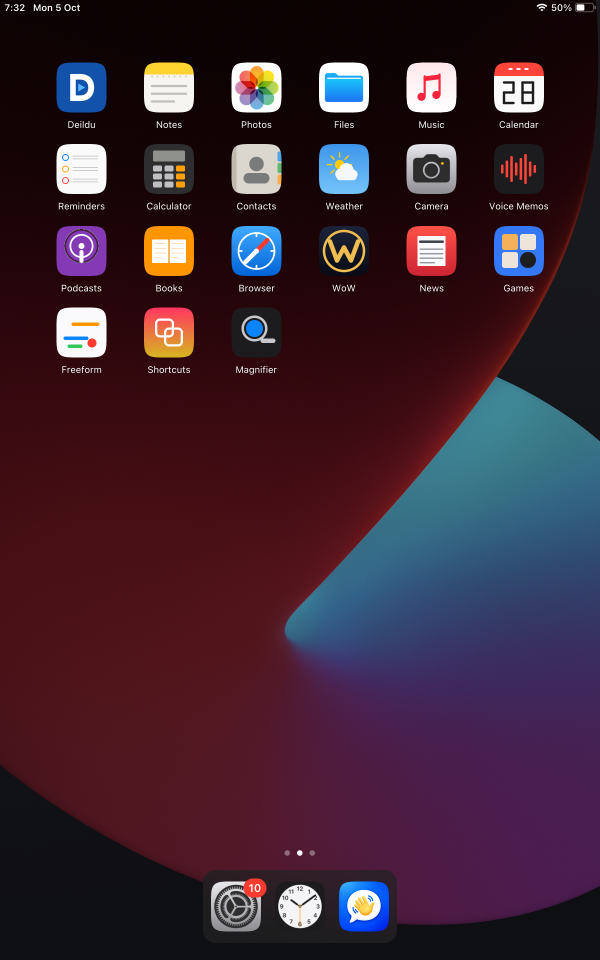
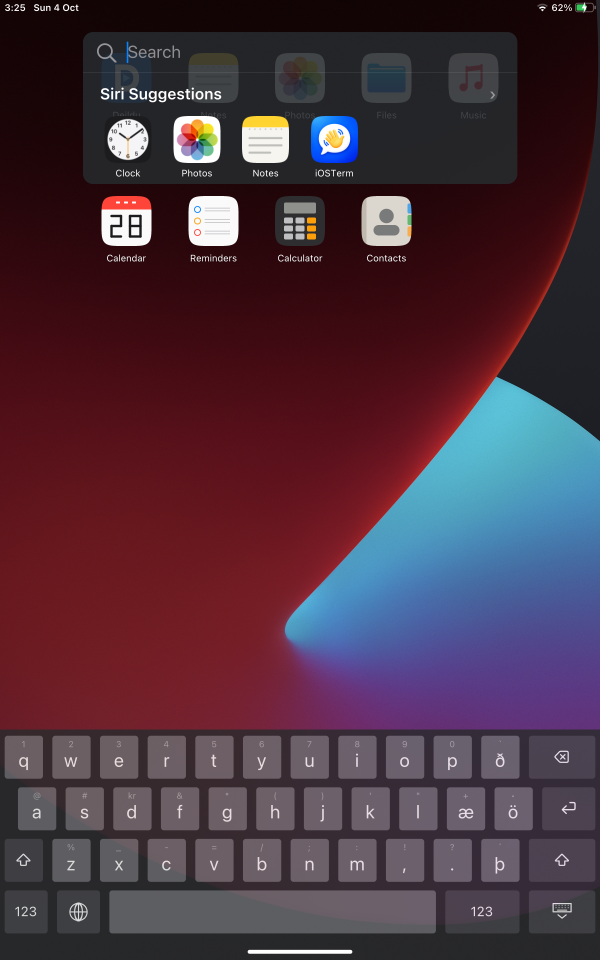
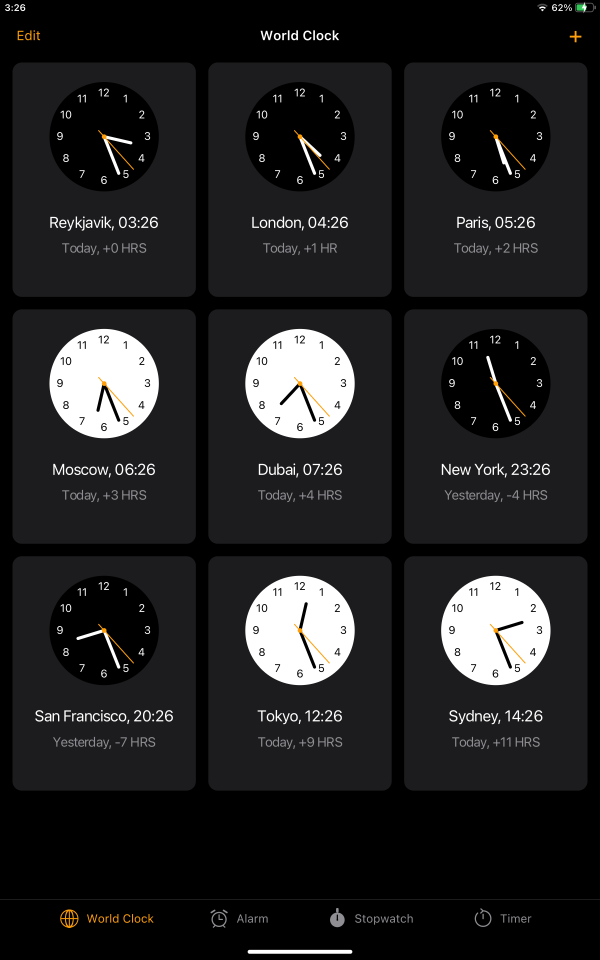
Tablet screenshots
Taken from the tablet.
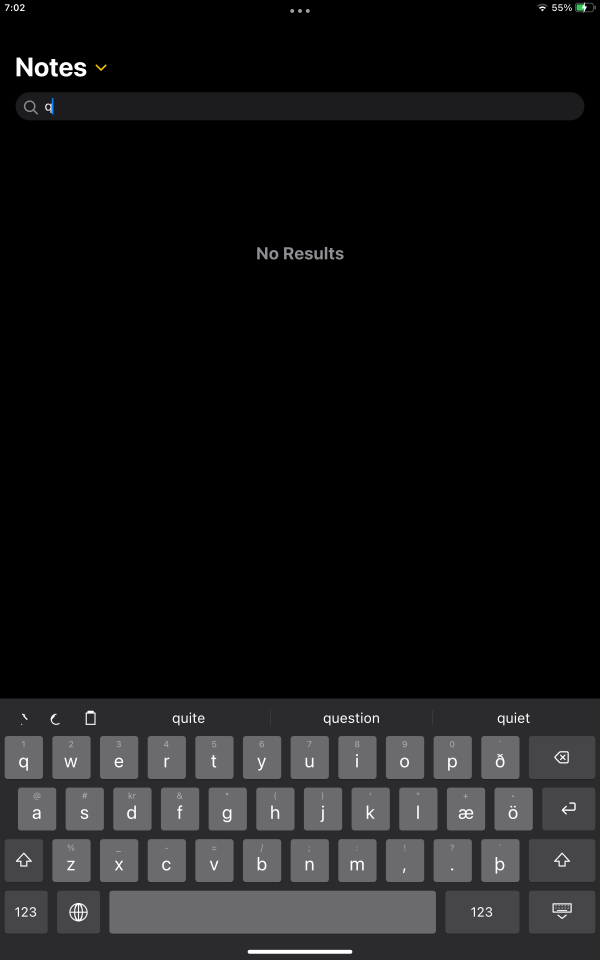
What the tablet version does
This is the Android-based version. Some features still need testing on the device.
System
- HomeHome screen with folders, an app library, widgets, search, an app switcher, split view, Control Center, notifications and a lock screen.
- SettingsWi-Fi, date and time, passcode, storage, battery, accessibility and search.
- TypingOn-screen keyboard with predictions, autocorrect, color emoji, and Icelandic and English layouts.
- UpdatesUpdates arrive over the air from Settings > General > Software Update. If a new version fails to start, the tablet goes back to the previous one. A recovery shortcut returns to Android.
- App storeApps and system parts install and update from the store, with release notes and no restart.
Apps
- ProductivityNotes, Reminders, Calendar, Contacts, Files, Books (PDF and EPUB), Freeform, Shortcuts and Voice Memos.
- MediaMusic with live Icelandic radio, Podcasts, Photos, Camera and Magnifier.
- EverydayBrowser, Weather, News, Clock, Calculator, a Terminal with SSH, and a few games.
How it is built
- Own interfaceThe interface draws itself, uses its own fonts and plays its own sound. It does not use Android's interface toolkit.
- AppsEach app is a separate program. The store delivers them as packages, and the tablet store has 19 of them so far. Terminal now uses under 3% of a processor core when idle, down from 23%.
- For developersRead the developer docs to see how apps are made and published.